
Prompt Library, Prompt Gallery, Prompt Lab—Microsoft, pick a lane.
A prompt gallery should turn individual AI experiments into shared organizational know-how. First, people have to find it. Here’s the naming mess—and how to navigate it.
Prompt Library. Prompt Gallery. Prompt Lab. Three names for the Copilot prompt thingy. Can we please pick one?
The basic job is simple: find a useful prompt, save it, and use it again. Sharing it should let someone else build on what you discovered.
Do they do the same thing?
They describe the same basic purpose in workplace Copilot: finding and reusing prompts. Microsoft’s Gallery guide also calls the dialog a “Prompt Library.” Its newer saving instructions call the destination “Prompt Lab.” Gallery/Library wording · Lab wording.
Save something in Lab and find it in Gallery? We have not verified that across the current versions. Both sets of instructions describe saved prompts, but that is not proof that the same saved item appears everywhere. That deserves a straight answer from Microsoft.
Why three names? We don’t know. It feels like a very low-budget psyop: first, make everyone question whether they opened the right window. Microsoft, pick a lane.
Here’s what Microsoft shows
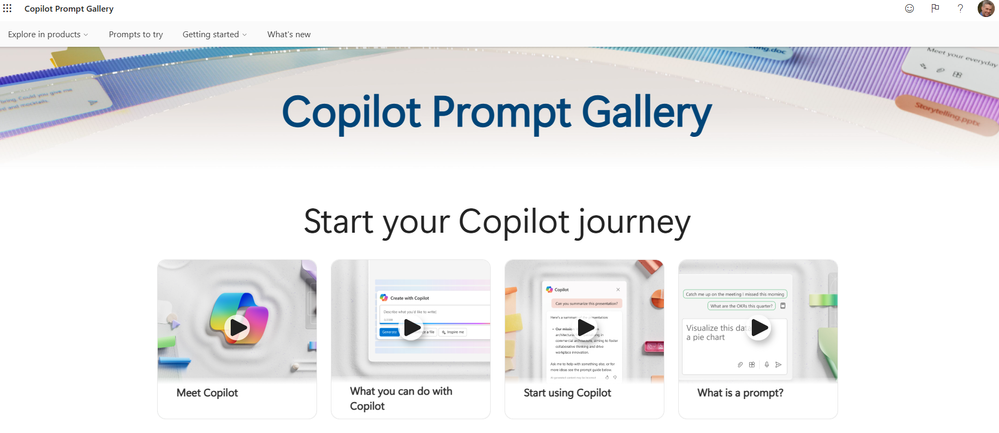 Preview unavailable · open Microsoft’s original image ↗
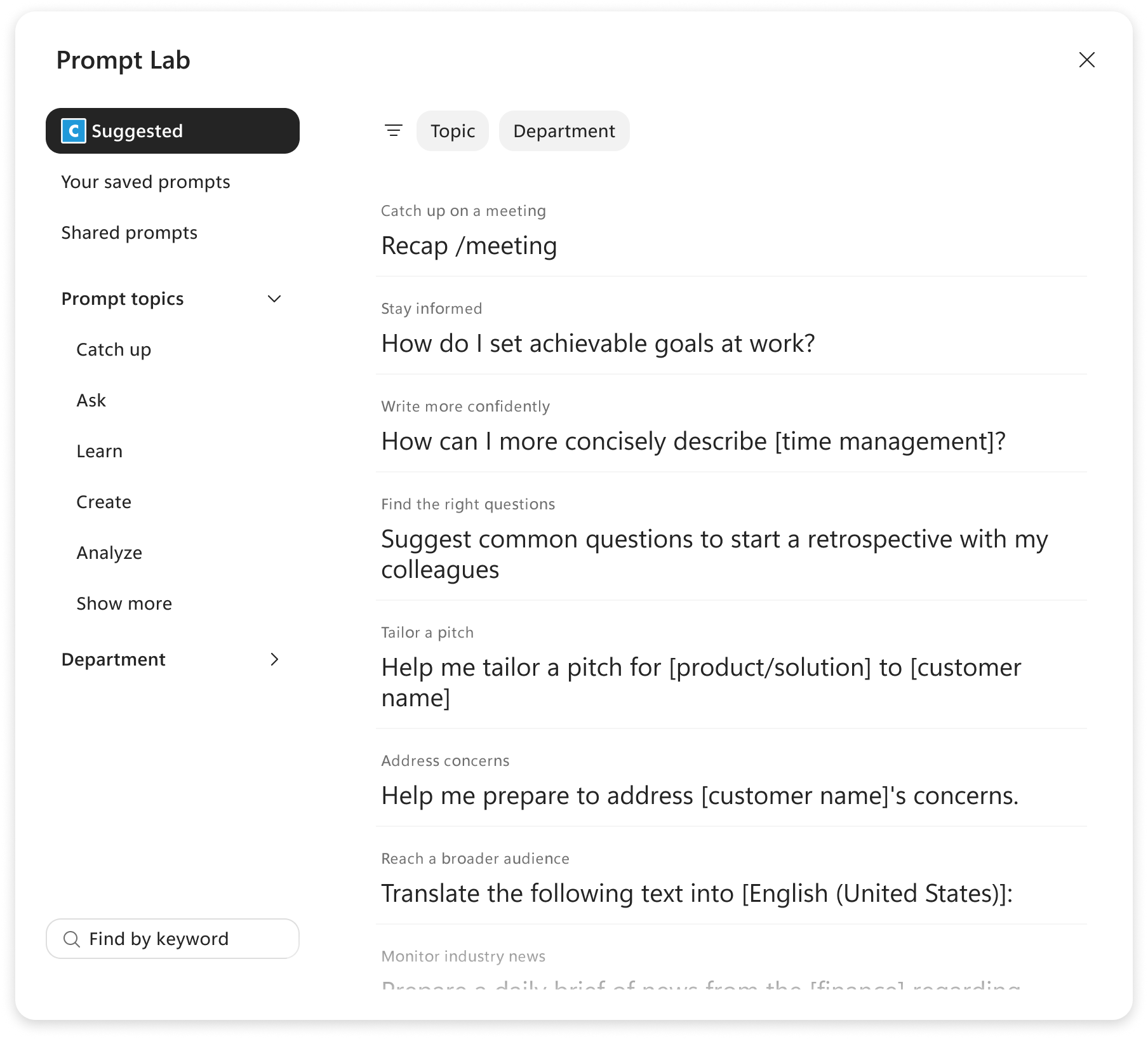 Preview unavailable · open Microsoft’s original image ↗
Prompt Library: the label is in Microsoft’s Gallery documentation. We have not verified a separate workplace screen bearing that title. These two publisher screenshots show the naming change; they do not demonstrate synchronized contents.
This matters more than the name
Prompt sharing should be the next phase of AI training in large organizations. Employees are experimenting with real tasks: preparing a meeting, reviewing a report, writing a customer response. They discover what works by trying it, changing it, and trying again.
If a win stays in one person’s chat history, everyone else starts from zero.
Want to aim for 10x the useful adoption? Start with one employee’s discovery reaching ten colleagues. Share the prompt, the task it helped with, and the changes that made it work. That is a practical ambition, not a measured promise of tenfold growth.
A good shared prompt carries the lesson with it: what to supply, what to check, and where it falls down. The next person improves it. Then the next team adapts it. Individual experimentation becomes something the organization can actually use.
That makes the prompt gallery one of Copilot’s most important features. It should be easy to find, easy to save to, and easy to share from. Microsoft even recommends including the purpose and lessons learned when sharing a prompt. Its own guidance says so →
If you’re going to have three different versions of it, at least give them the same name. Better yet, put them front and center.
Workplace Copilot only. Copilot Studio’s prompt-building library is a separate tool. Screenshots are Microsoft’s examples, not a test of saved-prompt synchronization in one account.